Pepsi Can
The habit of taking screenshots whenever i see something interesting is the beginning of this story. The reference image was a photograph taken by one of my favorite photographer Nithin Narayanan. The mood lighting and the elements in the photograph such as the water and the bubbles were what attracted and inspired me to create this image in 3d.
I am no expert in modelling so i downloaded a pepsi can free model from cgtrader website and changed its measurements a little according to my needs. then i created the water surface with a simple plane. Then applied bend deformers to create the wavy shape of it. Then i extruded the plane to have that thick edge feel. I also did a lattice deformer to tweak the shape a little more. I created a container mesh for the foggy feel of water under the surface mesh and applied volume shader to it. Then a simple plane with flat color for the background. The bubbles on the top of the images were simple sphere meshes just added for the aesthetics just like in the reference. The underwater bubbles were all created using MASH. I created 4 different networks for the variations.
I started placing lights after that. Started with a dome light for the fill. Then added the bg light. Then 2 lights on both sides. Also there is fill lights on top and bottom. All the lights were area lights. I removed the dome light at the end as it was not needed.
For texturing of the can i downloaded a basic texture from the internet and adjusted it according to the needs in photoshop. I also added few elements to the texture which was not present at the beginning.
Shadings were all basic. Simple refractibe shaders for all the water and bubble meshes. Metallic shader for the can. I also played with the opacity on the water shader just get the desired look.
For the render settings i used only specular and transmission samples other than the camera samples.
The only regret is or thing i missed is the refraction effect that happens when an object is under water. I should have planned for it when i created the water surface but by the time i was realised i came too far. Also the only thing i was going for was the look and feel of that reference not the physical accuracy, so....
Rendered using Autodesk Maya and Arnold render.
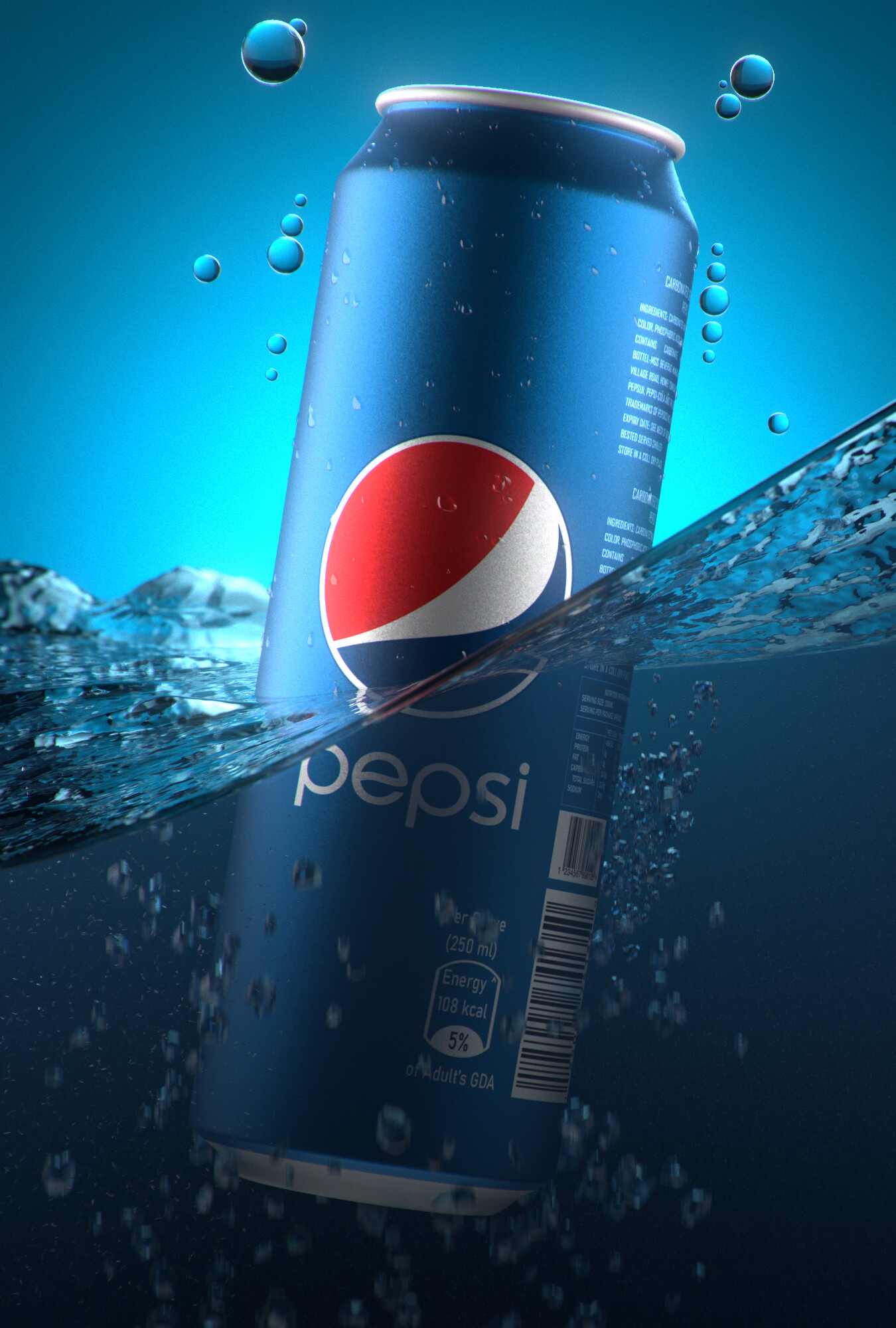
Final_Out

Light Setup
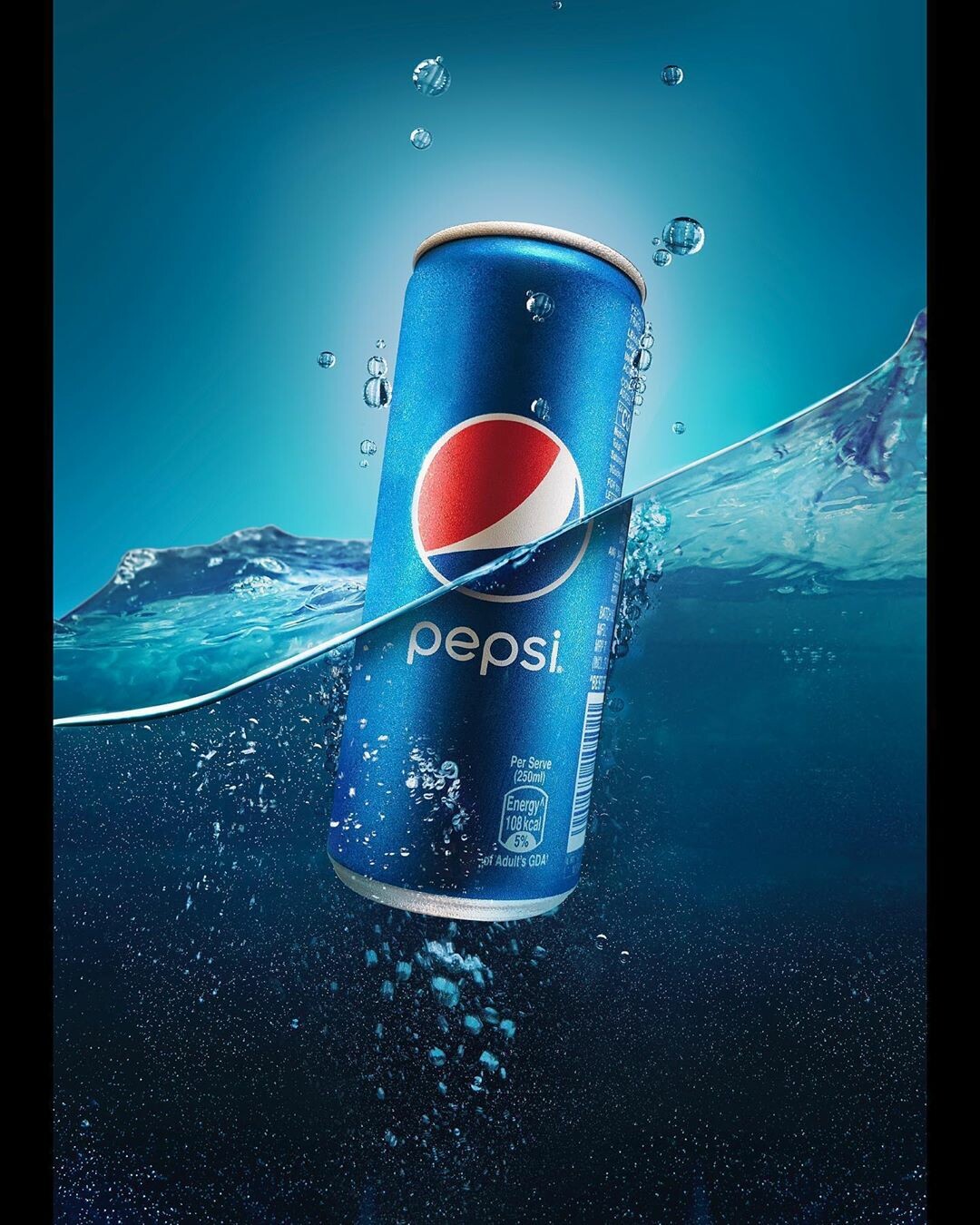
Reference

Default shader

Grey Lighting

Wireframe